
Choosing a Dolphin for an above-ground pool
Start with your pool’s dimensions, depth and surface, then check the exact cleaner’s specifications. The Dolphin name covers different models with different cleaning coverage. A robot that is suitable for one pool is not automatically a fit for every above-ground setup.
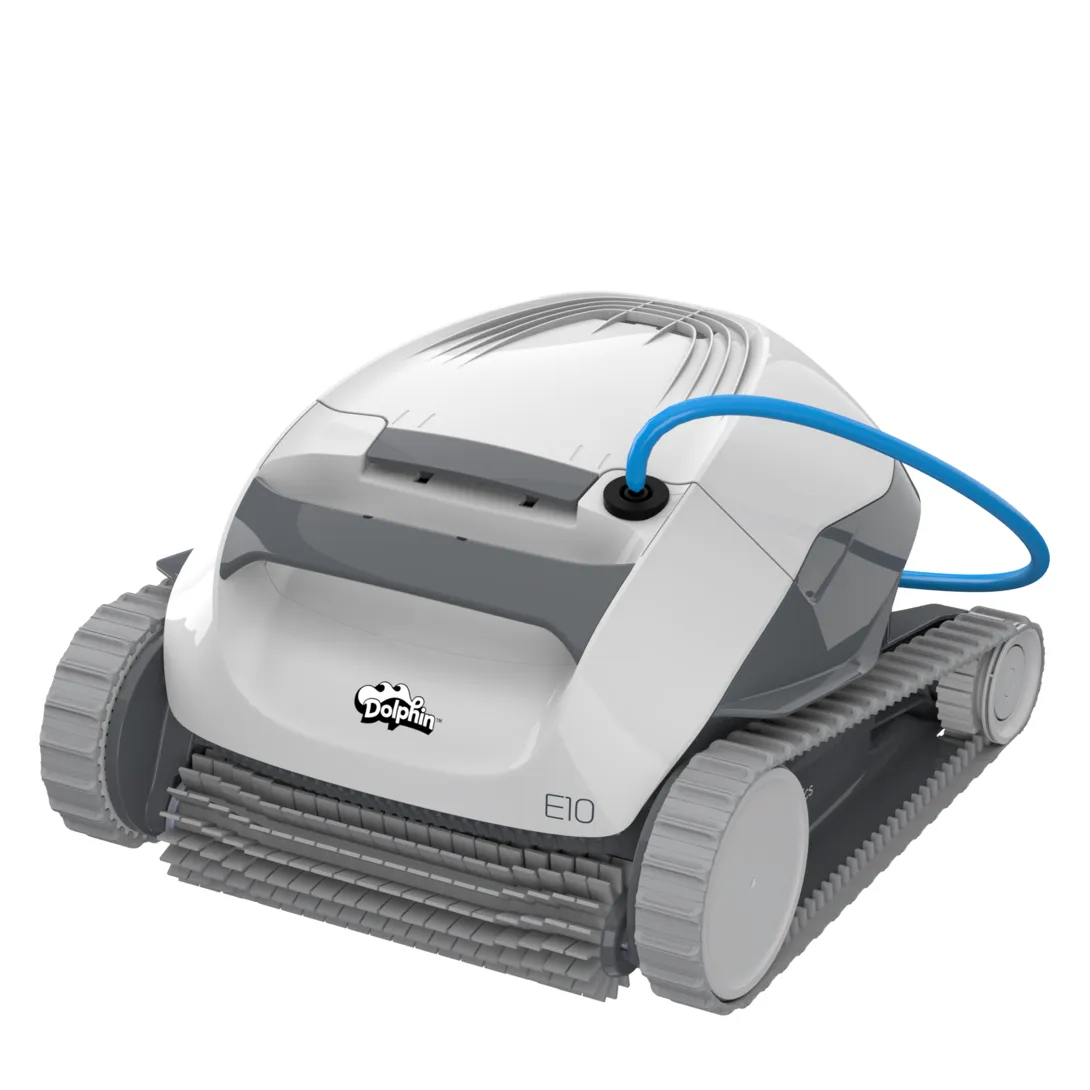
A useful model example: Explorer E10
Maytronics lists the Dolphin Explorer E10 as an above-ground cleaner for pools up to 30 feet, with floor cleaning and a top-access filter. It does not have waterline scrubbing. Do not treat its inability to climb walls as a repair problem.
Other Dolphin models have different coverage. For example, the Nautilus CC cleans floors and walls. Check the manufacturer specifications and your pool manufacturer’s guidance before choosing a cleaner.
Robotic, suction-side and pressure-side cleaners
A Dolphin robot collects debris in its own filter and uses its own drive and cleaning system. It does not connect to the skimmer as a suction-side cleaner does. The Nautilus CC, for example, needs no hose or separate booster pump. Pool-pump pressure and suction-hose adjustments are not the troubleshooting steps for that robot.
Owner checks for a corded Dolphin
- Turn it off and unplug first. Disconnect the power supply before inspecting the robot or handling its filter. Use the Explorer E10 manual only for that model; find the matching manual for another Dolphin.
- Clean the filter. Follow the manual’s rinse and reassembly steps. A clogged filter can reduce cleaning performance.
- Look for visible obstructions. With power disconnected, inspect the accessible tracks, wheels and impeller opening. Follow the exact model’s owner-maintenance instructions instead of forcing a cover or dismantling the motor.
- Review setup. Confirm the cable can reach the required pool area without pulling the power supply toward the water. Use the supplied power equipment and the outlet protection specified by Maytronics.
Stop if a cord is damaged, the power supply has a fault or a GFCI trips during operation. Do not repeatedly reset the circuit, splice cords or open electrical housings. For unresolved problems, use the manufacturer’s service guidance.
Ask about local support in San Angelo
Call or text Concho Valley Pool at 469-585-4093 with the cleaner model, pool dimensions and symptoms. Ask whether the company can support that model and confirm any estimate, parts or warranty arrangements before work begins. A robot also leaves you with ongoing pool-water testing and other maintenance responsibilities.
- San Angelo pool cleaning services
- Contact Concho Valley Pool
- Pool robots and service
- Pool chemicals and supplies
Find more local service information at ConchoValleyPool.com.
Tags: dolphin above ground, pool cleaning service near me, pool service san angelo tx, pool vacuuming, robotic pool cleaner, san angelo pool cleaning