
Dolphin pool cleaner care: start with the model
If your Dolphin leaves debris behind or stops during a cycle, note the model, serial number and symptoms before ordering parts. Filters, brushes, controls and cleaning coverage vary across the Dolphin range. A photo or short video can help explain the problem, but it cannot establish the fault or repair cost.
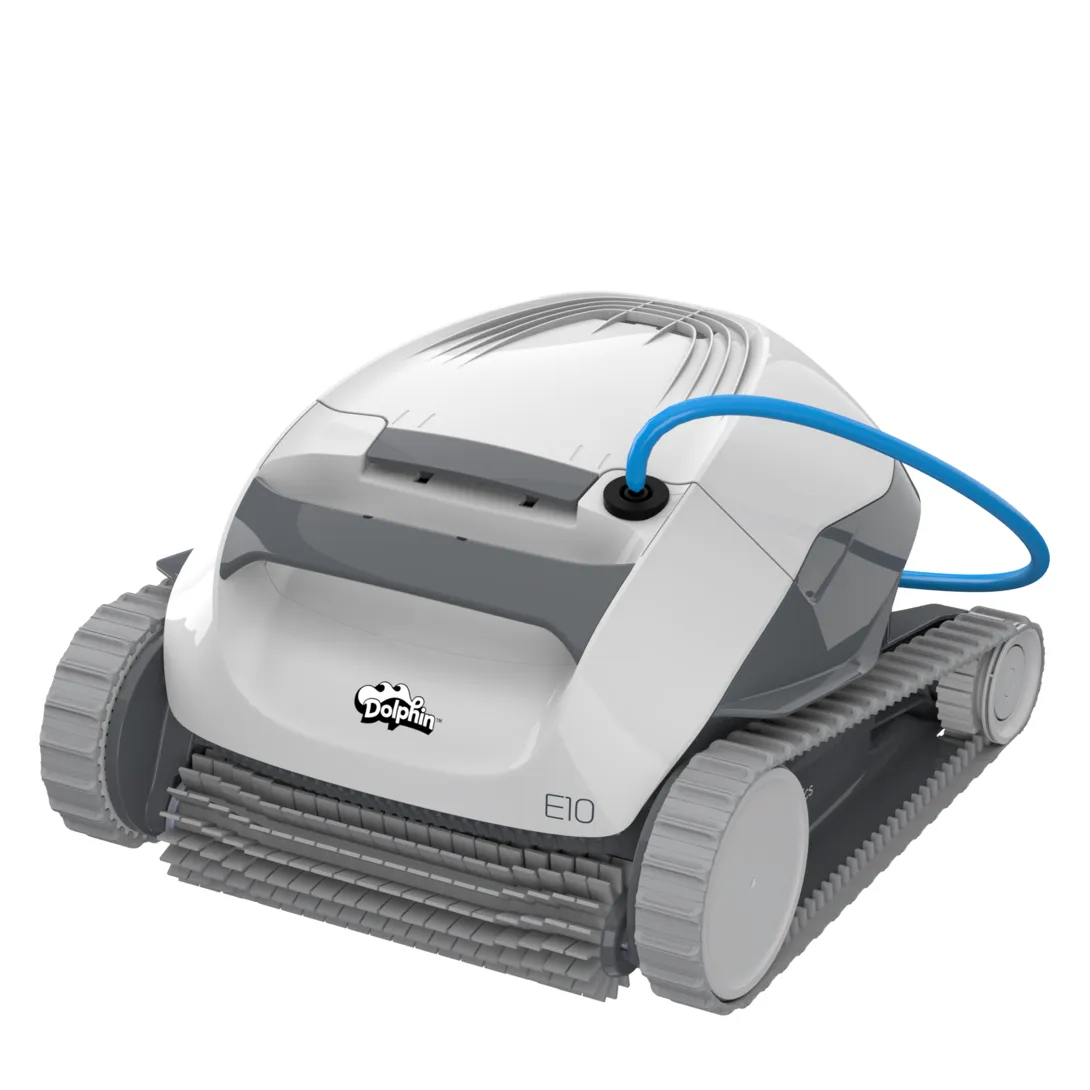
Safe checks before a service inquiry
For a corded cleaner, switch off and unplug the power supply before inspecting the robot or removing its filter. Follow the Maytronics manual for your exact model; cordless models have different shutdown and charging instructions.
- Poor pickup: Check and rinse the filter basket or cartridges using the model’s cleaning instructions. On the Nautilus CC, Maytronics recommends cleaning the basket after each cycle.
- Stops or moves unevenly: With power disconnected, look for visible debris around the tracks, wheels and impeller opening. Use only the owner-maintenance steps in the matching manual; do not force parts or open sealed electrical components.
- Misses part of the pool: Check the model’s setup and cable-positioning instructions. Keep the power supply away from the water and do not lift the robot by its cable.
- Does not climb: Confirm that wall cleaning is a feature of your model. The Explorer E10 is floor-only; the Nautilus CC includes floor and wall cleaning. Lack of wall climbing alone is not a fault on a floor-only cleaner.
When to stop troubleshooting
Stop using the cleaner if its cable or power supply is damaged. If a GFCI trips during operation, disconnect the equipment and seek manufacturer guidance instead of repeatedly resetting it. Do not splice a cable, open the power supply or attempt electrical testing as a poolside DIY repair. Maytronics’ corded-cleaner safety instructions explain the electrical precautions.
Repair, warranty or replacement?
Concho Valley Pool lists robotic-cleaner service in San Angelo. Call or text 469-585-4093 with the model, symptoms and photos to ask whether service and parts are available for your cleaner. Confirm the proposed work and estimate before deciding between a repair and replacement.
If warranty coverage may apply, check with Maytronics or your seller before arranging work. Use the manufacturer’s repair-request information to confirm the appropriate route. Local repair availability and authorized warranty service are separate questions.
Local pool care resources
- San Angelo pool cleaning services
- Contact Concho Valley Pool
- Pool robots and service
- Pool chemicals and supplies
Find more local service information at ConchoValleyPool.com.
Tags: dolphin pool cleaner repair, dolphin robot, pool cleaning service near me, pool service san angelo tx, robotic pool cleaner, san angelo pool cleaning