
Dolphin S300: identify the problem before replacing parts
The Dolphin S300 is a corded robotic pool cleaner. If it leaves debris behind or stops early, start with its filter, cable and selected cleaning cycle rather than assuming an internal failure. This guide covers owner checks for a San Angelo pool; your exact product number and manual determine which features apply.
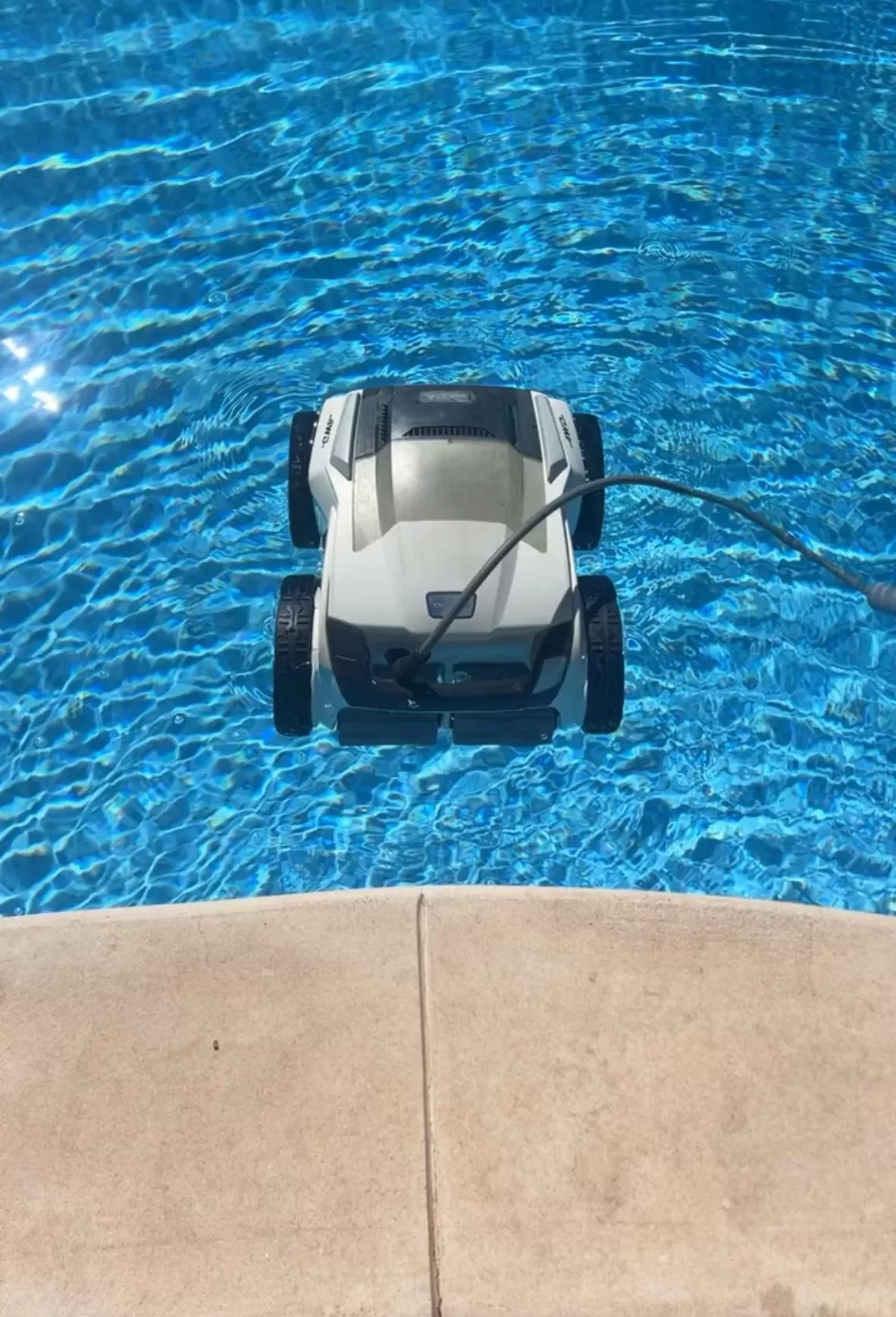
What the S300 is designed to do
For U.S. product 99996221-USWI, Maytronics lists floor, wall and waterline cleaning for pools up to 50 feet long, a two-hour default cycle, top-access filtration and MyDolphin Plus app control. Older or regional versions can differ, so match the label before using app instructions or ordering parts.
Checks for weak pickup or missed areas
- Unplug the power supply, remove the basket and rinse the filter media. Check that the panels and basket fit properly when reinstalled.
- Look for leaves or string around accessible brushes and tracks. Use the model manual for impeller access; keep the cleaner disconnected throughout inspection.
- Check whether the floating cable is tangled, caught on an obstacle or too short to reach the far end. Correct its layout while maintaining the power supply’s required setback.
- If wall climbing has declined, check for a dirty filter, slippery surfaces and water outside the operating conditions in the manual. A climbing problem alone does not identify a failed motor.
The S300-linked operating manual covers filter care and troubleshooting. Pool sanitation and main-system circulation still need their own maintenance; collecting debris does not establish that the water is safe to swim in.
If the cycle ends early
Compare actual runtime with the selected program and record any indicator or app message. This corded S300 does not have a rechargeable operating battery to diagnose. If a clean, correctly assembled unit repeatedly stops before completing its program, give the model number, serial number and symptoms to Maytronics or a service provider that supports that version.
Safe setup and stop-use signs
Use the original power supply with a GFCI-protected outlet; do not add an extension cord. Keep the supply out of water and follow your unit’s manual for its required distance from the pool. Remove the cleaner before anyone swims. Switch off and unplug before handling filters, brushes or other moving parts.
A damaged cable, burning smell or unexpected GFCI trip means stop using the cleaner. Do not keep resetting the circuit or move to an unprotected outlet. Have the fault assessed before reuse. Maytronics’ corded-cleaner safety instructions explain these electrical precautions.
After each run
Lift the cleaner by its handle, allow it to drain, and rinse its filters before debris dries onto them. Coil the cable without tight bends and store the cleaner protected from sun and weather. Leave sealed electronics, cable replacement and internal repairs to qualified service personnel.
For help with ongoing pool upkeep, explore San Angelo pool cleaning services and contact Concho Valley Pool to discuss your pool and the service available.
Tags: dolphin s300, pool cleaning service near me, pool robot repair, pool service san angelo tx, robotic pool cleaner, san angelo pool cleaning