
Before arranging service for a Maytronics Dolphin cleaner
A Dolphin that stops early or leaves dirt behind needs a model-specific check before anyone orders parts. A dirty filter, an unsuitable cleaning mode and a mechanical fault can produce similar symptoms. Start with the model label, the owner’s manual and a description of what changed.
This checklist is for routine owner care and preparing a service request in San Angelo. Electrical faults and sealed motor repairs need qualified assessment.
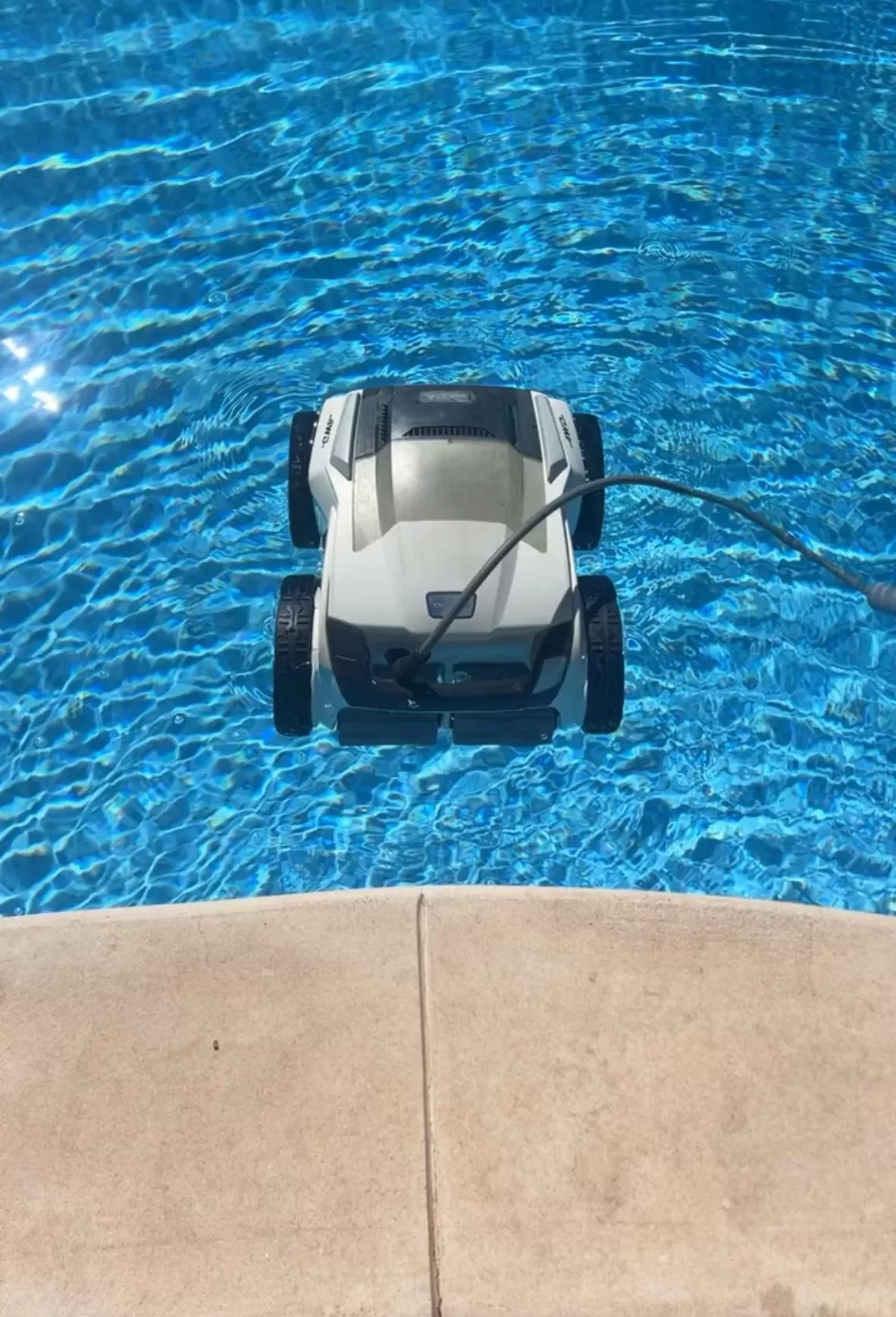
Stop first if there is an electrical warning
Keep the cleaner out of use if its cable is cut, a connector is damaged, the power supply smells burnt or the GFCI trips during operation. Do not repeatedly reset protection, bypass it or try an unprotected outlet. Have the cleaner assessed; an outlet or circuit problem needs a qualified electrician.
For corded Dolphins, Maytronics requires a GFCI-protected supply and prohibits extension cords and surge protectors. Follow the exact manual’s power-supply placement instructions. Disconnect power before examining or cleaning the robot, and remove it before anyone swims.
Match the symptom to a safe first check
- Moves but leaves debris: With power disconnected, empty and rinse the removable filter. Check that its panels and basket are seated correctly and inspect for visible damage. Confirm the filter is suitable for the particles you are trying to collect.
- Misses a wall or shallow area: Check the model’s stated coverage and selected mode. A floor-only setting, pool geometry or surface condition can explain a missed area; failure to climb alone does not identify a bad motor.
- Starts and stops: Record the elapsed time and any lights or app message. Check for accessible debris only as the manual allows. Maytronics provides a starts-and-stops troubleshooting guide; procedures vary by model.
- Tangles or gets held back: Inspect the cable route for obstacles and follow the manual’s untangling instructions. Do not pull the cleaner out of the water by its cable.
A robot has its own debris collection system. Poor pool circulation still needs attention, but weak suction at the pool skimmer is not the robot’s drive-power source.
Keep owner maintenance within the manual
Rinsing a removable filter and removing loose debris from accessible brushes may be routine tasks. Opening a sealed power supply, splicing a cable or testing live electrical parts is not. Use the manual for your exact model before accessing an impeller or replacing any user-serviceable part.
Prepare a useful repair request
- Provide the full model, product number, serial number and power-supply label.
- Include the purchase date and receipt, error message and a short description of when the fault occurs.
- List the safe checks already completed, recent changes and any visible damage.
- Ask for the diagnostic charge, proposed parts, labor, shipping, estimated timing and approval process before work starts.
Check warranty eligibility with Maytronics before authorizing repairs. Its dealer locator distinguishes service offerings, so verify that a provider handles your model and the proposed warranty work.
Pool care alongside the repair
Explore San Angelo pool cleaning services and contact Concho Valley Pool to ask about current service options while your cleaner is out of use. Include the model and symptoms so the next step can be discussed without assuming a diagnosis.
Tags: dolphin pool cleaner, maytronics, pool cleaning service near me, pool service san angelo tx, san angelo pool cleaning