
Dolphin Active 20: how this robotic cleaner actually works
The Dolphin Active 20 uses an external electrical power supply and an onboard filter. It does not connect to a suction hose or depend on pool-pump suction to move. For San Angelo owners, that distinction changes the troubleshooting: start with the robot’s basket, cable and drive components rather than adjusting skimmer flow.
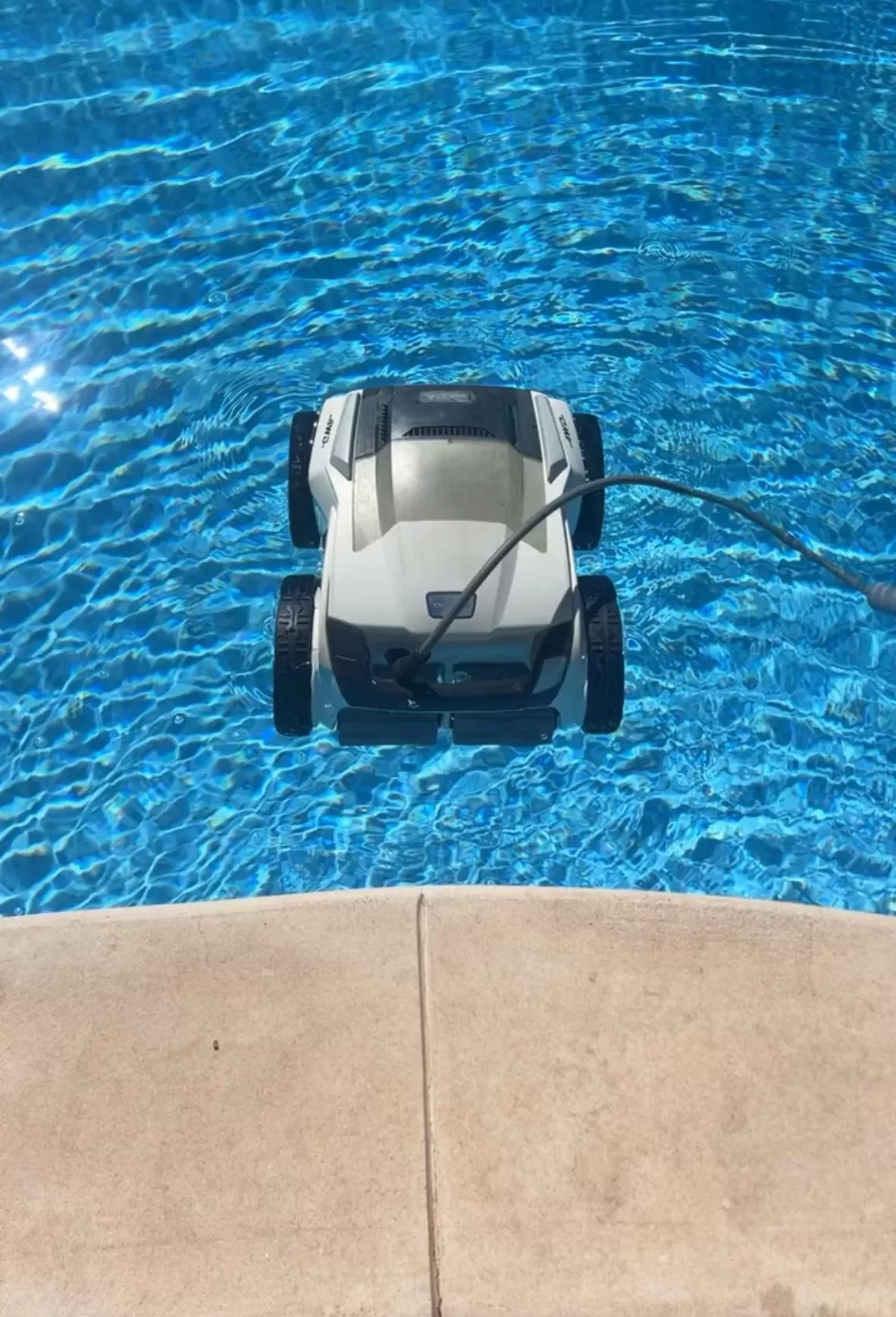
Model features and limits
Maytronics’ U.S. Active 20 specifications identify product 99996203-USW as an in-ground-pool cleaner for pools up to 50 feet long. It cleans the floor, walls and waterline, with a two-hour default cycle, top-access filter basket and weekly timer. That listing does not include mobile-app control.
A robotic cleaner operates separately from the pool’s circulation pump. Keep maintaining the pool’s skimmer, pump and main filter for overall water care, but do not adjust plumbing valves or buy suction-cleaner diaphragms to fix an Active 20.
Safe setup and stop-use signs
Use the original power supply with a GFCI-protected outlet; do not add an extension cord. Keep the supply out of water and follow your unit’s manual for its required distance from the pool. Remove the cleaner before anyone swims. Switch off and unplug before handling filters, brushes or other moving parts.
A damaged cable, burning smell or unexpected GFCI trip means stop using the cleaner. Do not keep resetting the circuit or move to an unprotected outlet. Have the fault assessed before reuse. Maytronics’ corded-cleaner safety instructions explain these electrical precautions.
A useful troubleshooting order
- Identify the symptom. Does the power supply have no light, does the robot fail to move, or does it move but collect little debris? Record when the problem starts.
- Inspect with power disconnected. Check accessible cable connections and look for visible damage. Rinse the basket and inspect brushes and tracks for trapped debris.
- Check coverage. Untangle the floating cable and allow enough reach for the whole pool without leaving unnecessary coils in the water. Keep toys and loose objects out of its path.
- Compare one complete cycle. With no damage or electrical fault present, reinstall the filter and run the cleaner according to its manual. Check what it collected and which areas remain dirty.
For a wall-cleaning decline, Maytronics recommends checking the filter, water conditions and cable reach. Persistent stopping or grinding after accessible debris is cleared needs a proper diagnosis, not a guessed motor or gearbox replacement.
Care and service information to keep
Rinse the robot’s filter after use and store the drained cleaner with its cable loosely coiled. Keep the serial number, purchase record and a short description of the fault available. Confirm parts compatibility and any warranty coverage with the seller or Maytronics before authorizing repair; local service availability is a separate question.
For help with ongoing pool upkeep, explore San Angelo pool cleaning services and contact Concho Valley Pool to discuss your pool and the service available.
Tags: active 20, pool cleaning service near me, pool filter cleaning, pool service san angelo tx, pool vacuum, san angelo pool cleaning