
Dolphin Sigma: setup, filters and troubleshooting
The Dolphin Sigma is a corded robotic cleaner for in-ground pools. If yours leaves dirt behind or stops reaching part of a San Angelo pool, start by checking its filter cartridges, cable layout and recorded symptoms. A cleaning problem does not, by itself, identify a failed motor or justify buying replacement electronics.
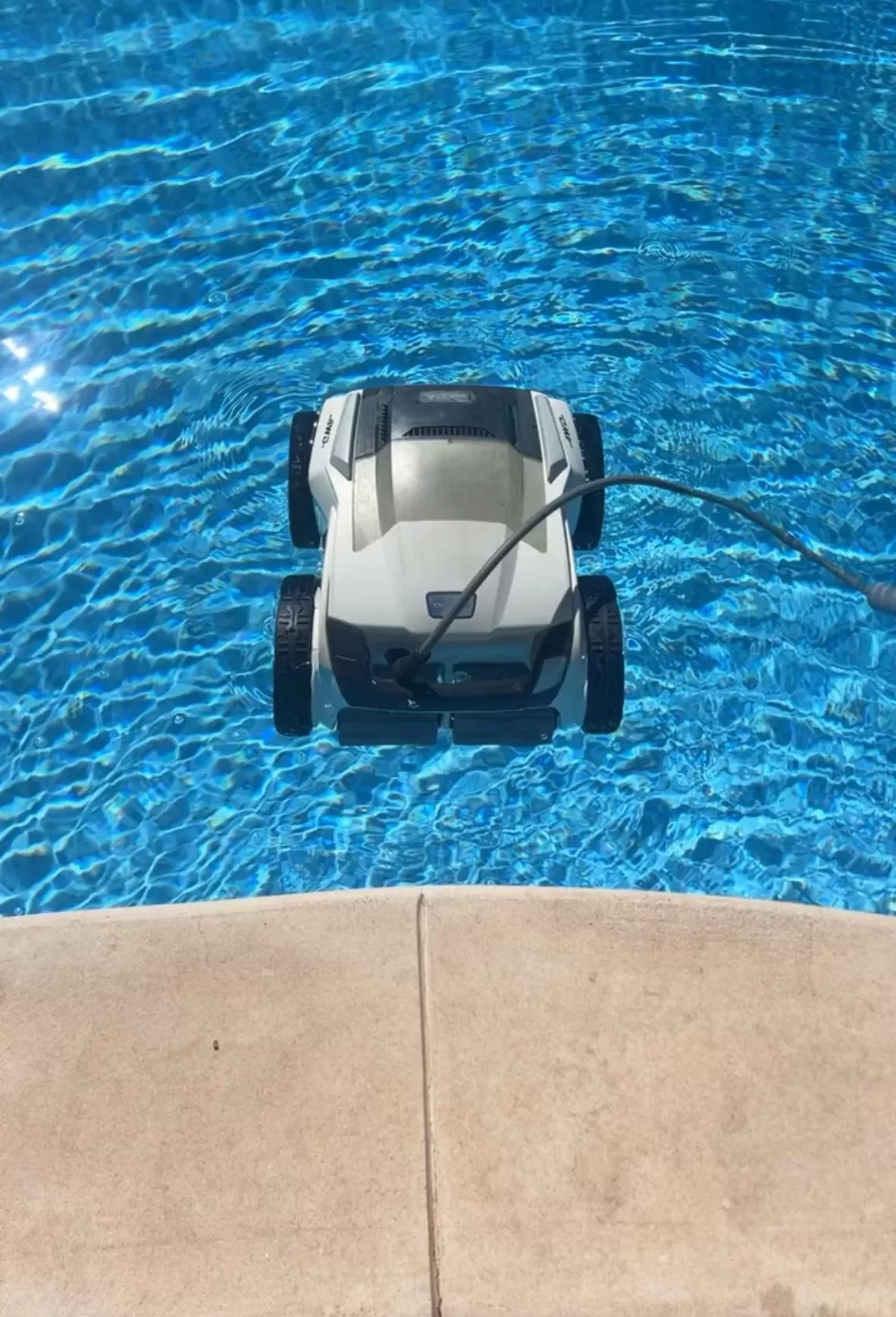
What the Sigma is designed to do
Maytronics’ Sigma specifications list pools up to 50 feet, floor, wall and waterline coverage, and a default 2.5-hour cycle. The current US listing includes app connectivity, a weekly timer, top-access filtration and fine and ultra-fine filter kits. Confirm your product number and power-supply version before following app instructions or ordering parts.
Start with the safe checks
Switch off and unplug the power supply before handling filters, tracks or the impeller area. Use the specified power supply with a GFCI-protected outlet, keep it out of standing water and follow the placement distances in your manual. Remove the cleaner before swimming. The manual linked from the Sigma support page explains these precautions and its cartridge-maintenance procedure.
- Moving but leaving debris: Rinse both cartridge assemblies, inspect their seating and check for accessible obstructions. Reassemble everything before another cleaning cycle.
- Missing one end: Check whether the floating cable reaches that area without snagging. Keep unnecessary cable loops out of the water.
- Struggling on walls: Check filters and brush condition, and have slippery growth or abnormal water conditions addressed.
Separate connection issues from cleaning issues
If the app is unavailable, note whether the cleaner can still start normally from its power supply while submerged. Record the indicator pattern and any app message. That distinction helps support narrow down whether to investigate connectivity or the cleaner itself. Follow Maytronics’ connectivity guidance for your particular controller rather than assuming every Sigma generation has identical controls.
For an intermittent problem, record when it stops, whether it happens at the same place, and what changed recently. A short video taken from the deck can be more useful than describing the robot as simply “not working.” Never reproduce a fault when a cable is damaged or electrical protection trips.
Maintenance and repair decisions
Clean filters promptly after a cycle, lift the cleaner by its handle once it is within reach, and store the drained unit away from direct sun and weather. Before approving a repair, ask for the diagnosis, exact part numbers and total installed cost. Give Maytronics or the seller the serial number and purchase record when asking about coverage; local pool maintenance and manufacturer-authorized warranty repair are separate services.
Pool care in San Angelo
For help with the pool around your cleaner, explore Concho Valley Pool’s San Angelo cleaning services and contact the team at 469-585-4093. Include the Sigma model label and a description of the problem, and ask which pool-care or equipment-support options are available.
Tags: pool cleaning service near me, pool robots san angelo, pool service san angelo tx, robot repair san angelo, robotic pool cleaner, san angelo pool cleaning