
Getting started with a Dolphin robotic pool cleaner
Dolphin is Maytronics’ robotic pool cleaner range. The name covers different models and capabilities, so a new owner’s first step is to identify the exact cleaner rather than follow instructions for a similar-looking unit.
Use this guide to organize setup and everyday care for your San Angelo pool. Your model’s manual controls the operating limits, approved accessories and maintenance procedures.
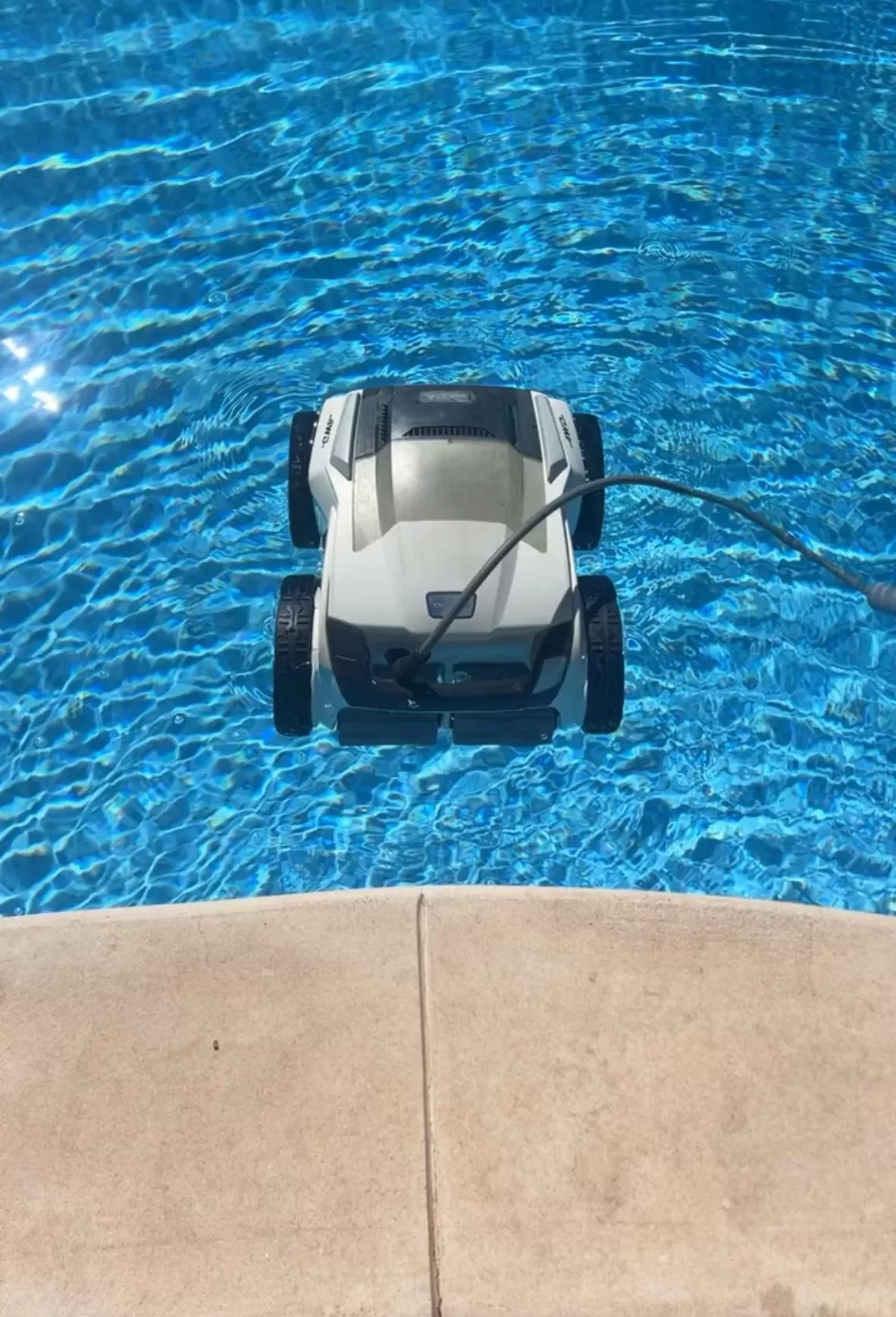
Find and save the right information
Photograph the model and product labels, save the purchase receipt and find the matching manual through Maytronics’ manual portal. Check the power-supply or charger version as well as the robot name.
Read the specified pool dimensions, surface compatibility and cleaning coverage. Confirm whether your model cleans only the floor, also climbs walls or includes waterline scrubbing. Do the same for weekly timers, app control, filter options and retrieval features; they are not interchangeable across the range.
Prepare for the first run
- Remove toys, branches and other large obstacles from the pool.
- Check the manual’s water-temperature, chemistry and depth limits before operating. Recent chemical treatment can make the water unsuitable for the cleaner even if it normally runs there.
- Confirm that the correct filter is fitted and latched, with no visible damage.
- For a corded model, position the original power supply and cable exactly as instructed, using the required GFCI protection without an extension cord.
- For a cordless model, follow the supplied charging and drying instructions before putting it in the water.
Run the cleaner with no swimmers in the pool, then remove it before anyone enters. If electrical protection trips or a cable or connector is damaged, stop use and arrange qualified assessment.
Learn what a completed cycle looks like
Watch from outside the pool and note where debris remains. Check the selected mode, filter condition and supported coverage before assuming missed steps or ledges mean the robot is faulty. The cleaning pattern may not look like a neat series of straight passes.
Keep a short record of the cycle used, debris load and any error indicator. That makes a repeat problem easier to explain without guessing which part has failed.
Build a consistent care routine
Disconnect power before handling filters or inspecting moving parts. Remove the cleaner using the specified retrieval method and handle; do not lift it out by its cable. Rinse the collection filter after use as instructed and check that it is fully seated before the next run.
Maytronics recommends removing Dolphins after a cycle for filter cleaning and storing them away from direct sun. Some supported weekly-timer or Eco modes have different in-pool schedules; those features do not remove the need for filter care or removal before swimming.
Follow model-specific instructions for cleaning an impeller or replacing wear parts. Leave sealed electrical and motor work to qualified service.
Keep records for support
Save your serial number and proof of purchase together. Maytronics’ registration guidance explains the information needed and notes that warranty duration varies by model and region. Confirm coverage and service arrangements before authorizing repairs.
A cleaner still leaves water testing, chemistry, circulation and other pool care to you. For help planning that work, explore San Angelo pool cleaning services and contact Concho Valley Pool with your model and maintenance questions.
Tags: dolphin cleaner, pool cleaning service near me, pool robots san angelo, pool service san angelo tx, robotic pool cleaner, san angelo pool cleaning