
Your Dolphin pool cleaner: a safe maintenance checklist
Dolphin is Maytronics’ robotic-cleaner brand, with different models, filters and power systems. Before following troubleshooting advice, find the complete model name and serial number. A corded cleaner with an external power supply needs a different setup from a battery-powered model, and neither should be diagnosed from the brand name alone.
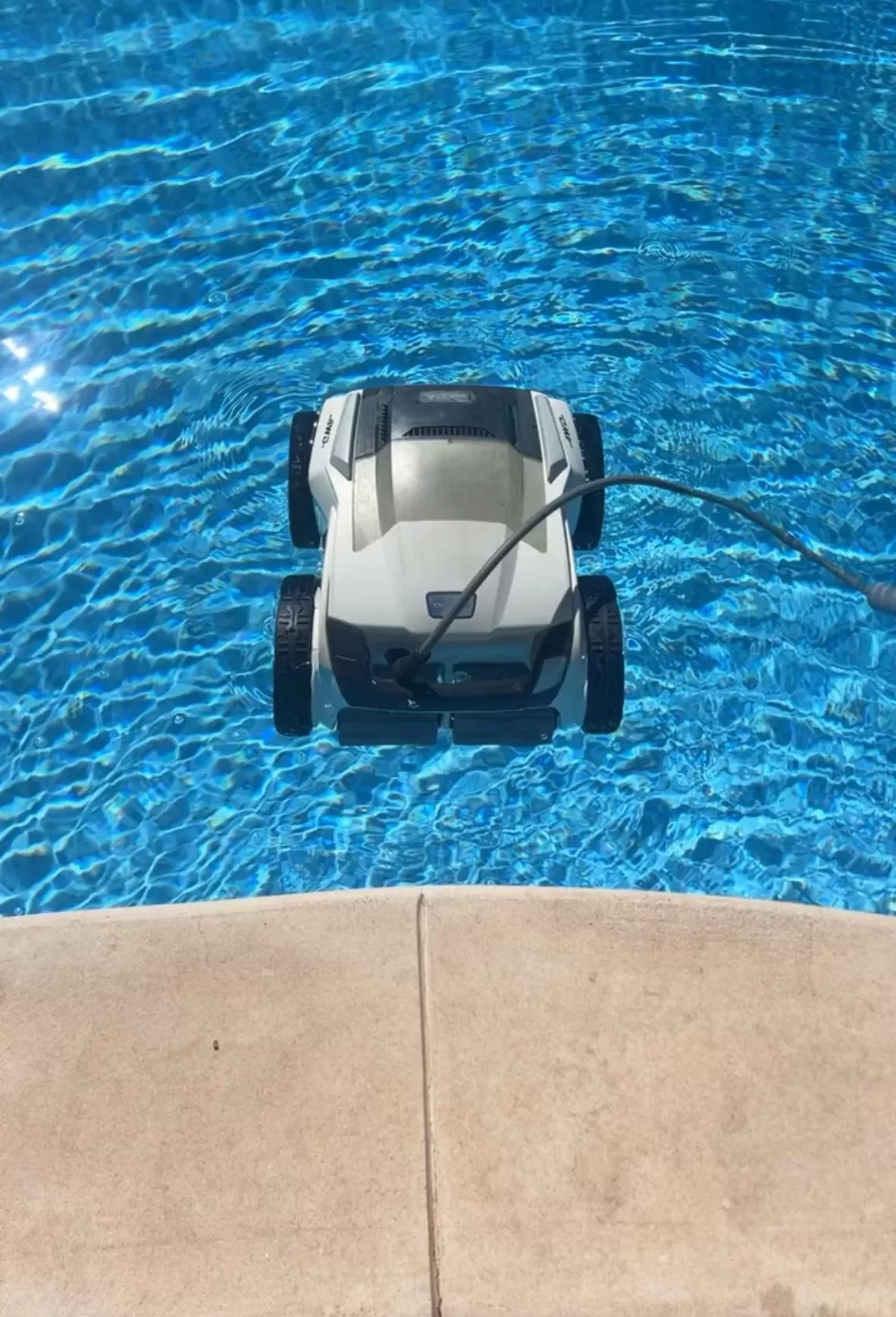
Understand what your robot does
A robotic cleaner has its own drive, water intake and debris filtration; it does not connect to the pool’s suction plumbing. Maytronics’ robotic-vacuum overview explains that coverage differs by model. Check your specifications for floor, wall, waterline and step cleaning rather than assuming all four are included.
For a San Angelo pool, make a simple note of what remains after cleaning: loose leaves, fine settled material, slippery surfaces or dirt in a particular corner. A clearer description helps distinguish a filtration question from a coverage limitation or a wider pool-maintenance issue.
Inspect with the power disconnected
For corded units, switch off and unplug before checking moving parts. Inspect tracks and brushes while they are stationary; do not hold the robot up and power it on to see whether the drive spins. Use the model’s own operating and troubleshooting procedure. For a cordless unit, follow its manual for shutting down and isolating it before maintenance.
- Empty the approved filter basket, cartridge or bag and check for damage.
- Check accessible intake openings for leaves or tangled material.
- Look for obvious brush or track wear without dismantling sealed components.
- On corded models, inspect the cable and connector and record any damage.
Clean the filter before judging performance
Maytronics recommends filter cleaning after each cycle. Fine particles can obstruct ultra-fine media even when it does not look full of leaves. Rinse using the method for that assembly and reinstall it correctly. If performance still changes during a run, record how much debris the filter has collected.
After safe setup, observe a normal cycle from the deck. Write down the start and finish times and where a stall repeats. A photo of the relevant pool feature and a short symptom description are more useful than buying brushes, a controller and filters all at once.
Stop at electrical warning signs
Damaged wiring, burning smells, a wet power enclosure or an unexpected GFCI trip require stopping use. Do not repeatedly reset protection or open the power supply. Maytronics’ corded-model safety guidance also calls for removing the cleaner before swimming and keeping hands away from the drive mechanism.
For persistent faults, ask Maytronics or the seller which repair route fits your model. Request a diagnosis and itemized estimate before approving parts. Keep the serial number and purchase record available.
Help with the rest of the pool
Review Concho Valley Pool’s San Angelo cleaning services and contact the team at 469-585-4093 to discuss pool care. Include the cleaner’s full model name and the problem, and confirm available equipment support.
Tags: dolphin pool cleaner, pool robots san angelo, robot pool repair, robotic pool cleaner, san angelo pool cleaning