
Dolphin Nautilus cleaners: identify the model first
“Nautilus” covers several Dolphin robotic cleaners, so the full model name matters when choosing parts or diagnosing poor cleaning. These electric robots collect debris internally. Advice about cracked suction hoses, booster-pump pressure or cleaner skirts does not apply to a Dolphin Nautilus. Start with the label on your own unit.
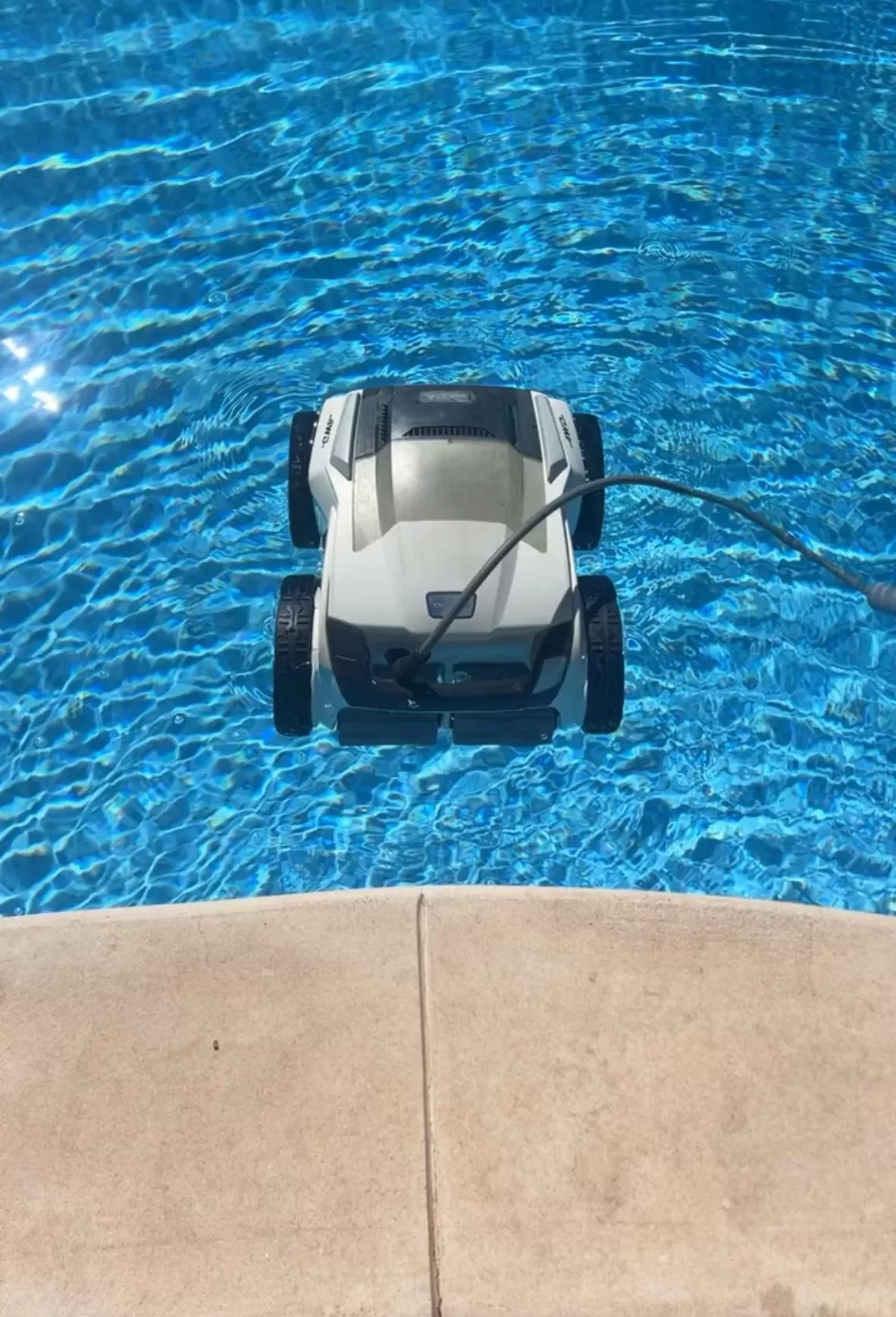
Coverage varies across the range
On its current US Nautilus CC product page, Maytronics lists floor and wall cleaning for pools up to 33 feet, with a two-hour cycle and no waterline scrubbing. The same comparison identifies the CC Plus with Wi-Fi as floor-and-wall coverage and the CC Supreme as including the waterline. Do not assume that reaching a wall means every Nautilus is designed to scrub along the waterline.
Write down the complete model, product number and serial number. Match manuals and replacement filters to those identifiers. A photograph of a blue-and-white cleaner alone may not distinguish similar versions, and features listed for a current model may differ from an older purchase.
Checks for a Nautilus CC
The manual linked for the Nautilus CC describes its top-access filter and floating cable. With the power supply switched off and unplugged:
- Lift out the filter basket, empty it and rinse it before debris dries.
- Inspect the basket seating and accessible inlet for trapped debris.
- Look for visible obstructions around the tracks and brushes without forcing the drive.
- Check the floating cable for damage, twists and snagging points.
When safe to operate again, follow the manual’s setup procedure and observe a normal submerged cleaning cycle. Note whether the robot leaves debris everywhere, misses one area or stops completely. Do not adjust pool valves or replace booster-pump parts to address a fault in this self-contained cleaner.
What to record before requesting repair
Record indicator lights, the time until stopping and the exact location of any repeated stall. Include filter type and condition, photos of visible wear, and whether a recent change preceded the problem. These details give a repair provider a useful starting point without committing you to a diagnosis.
Use a GFCI-protected outlet and the correct power supply, positioned as the manual requires. Keep it dry and unplug before handling the robot. Stop use for cable damage or electrical faults; ask qualified support about the cleaner and an electrician about an outlet fault. Do not keep resetting a tripping protective device.
Repair or replace?
Compare a written repair estimate with the cost of a model that actually covers your pool and desired surfaces. Include filters, shipping and accessories. Ask the seller or Maytronics about any remaining manufacturer coverage before opening sealed components or paying for a repair.
San Angelo pool-care help
For routine pool care, explore Concho Valley Pool’s San Angelo cleaning services and contact the team at 469-585-4093. Send the full Nautilus model name and symptoms, and ask which equipment-support options are available.
Tags: nautilus pool cleaner, pool cleaning service near me, pool service san angelo tx, robotic pool cleaner, san angelo pool cleaning