
Dolphin Proteus DX4: practical setup and troubleshooting
A Proteus DX4 that misses dirt needs a systematic check before parts are ordered. For San Angelo owners, the useful starting questions are simple: does it start, does it move, does it collect debris, and does the problem occur throughout the pool or only at one obstacle? Keep those observations separate.
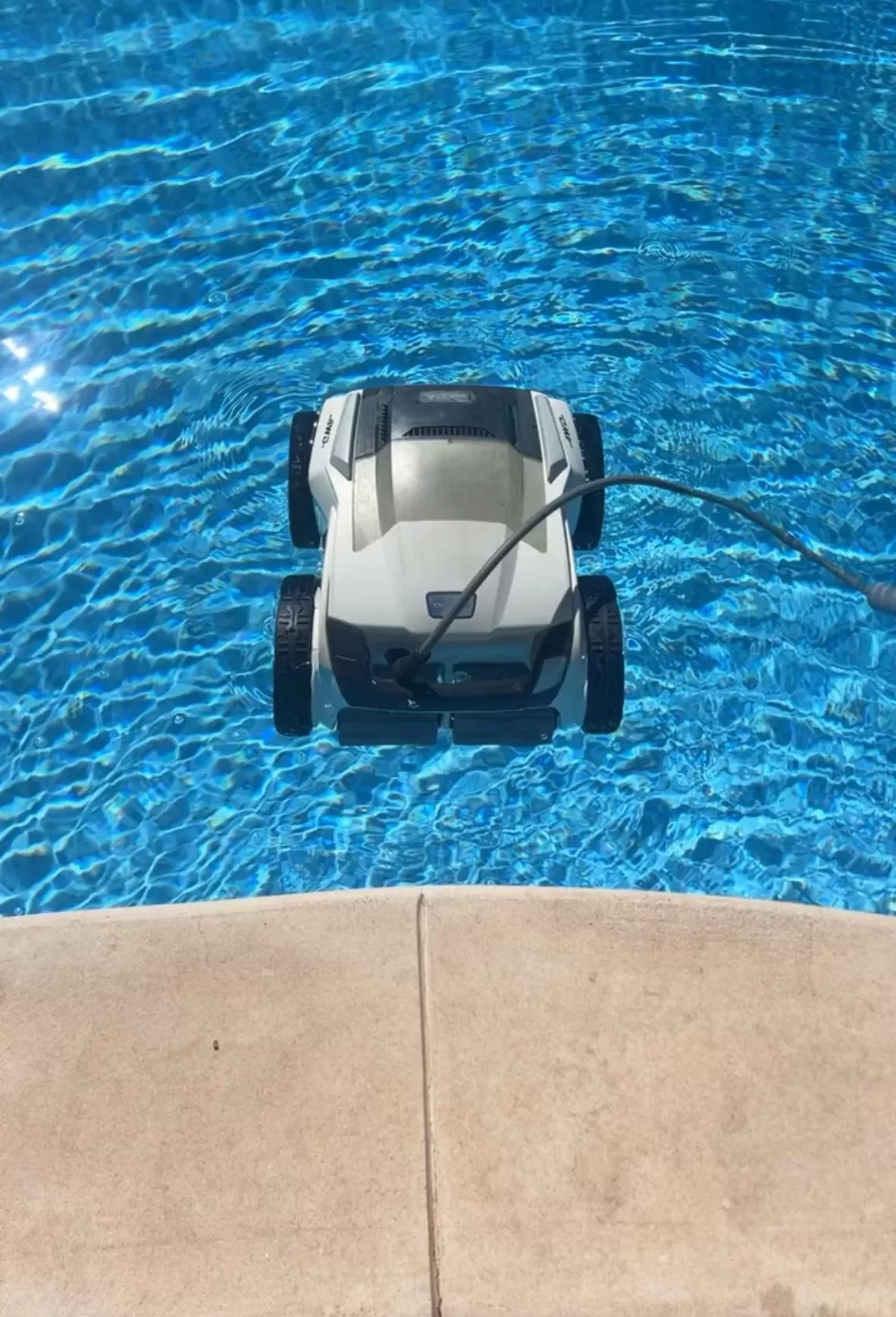
Know the DX4’s equipment
Maytronics lists the Proteus DX4 for pools up to 50 feet, with floor, wall and waterline cleaning and a two-hour default cycle. Its debris collector is a top-loading filter basket. The current US model has a weekly timer and cable swivel, but no mobile app. Check your serial and product numbers because instructions for a DX5i or another Dolphin are not interchangeable.
Prepare for a cleaning cycle
Follow the DX4-linked user instructions: use the supplied power unit, a GFCI-protected outlet and the specified safe distance from the water. Unwind the floating cable, remove obstructions and let the cleaner settle on the floor before starting it. Switch off and unplug before lifting or inspecting it; use its handle for lifting out of the water.
Match the symptom to the next check
- It moves but collects little: Empty and hose-rinse the basket, check the intake and reseat the basket and lid. A full basket is a maintenance issue worth eliminating before diagnosing the drive.
- It repeatedly misses one section: Note the location and check cable reach or snagging. Photograph the step, ledge or corner where the pattern repeats.
- It slips on walls: Inspect visible brush wear and record whether the surface feels slippery. Water conditions and filter restriction can affect climbing.
- It will not start: Record power-supply indicators and visible cable condition. Do not open electrical housings or substitute a similar-looking power unit.
Know when to stop
A damaged cable, burning smell, wet electrical enclosure or unexpected GFCI trip calls for stopping use and qualified assessment. Repeated resets are not a repair. For a less urgent problem, make one controlled comparison after routine maintenance: record the start time, stopping time and debris collected. Change one setup detail at a time so the result is useful.
Choose parts with the model number
Photograph the product label, filter assembly and affected component before requesting a quote. Ask the supplier to confirm compatibility in writing, including whether a filter upgrade is supported. Compare the complete repair estimate with a suitable replacement, including any diagnostic fee or shipping. For possible warranty coverage, use the seller or Maytronics support process before authorizing disassembly.
Local pool-care help
For ongoing debris removal and pool maintenance, review Concho Valley Pool’s San Angelo cleaning services and contact the team at 469-585-4093. Share the DX4 label and your observations, and confirm available equipment support before arranging a visit.
Tags: dolphin proteus dx4, pool cleaning service near me, pool robot repair, pool service san angelo tx, robotic pool cleaner, san angelo pool cleaning