
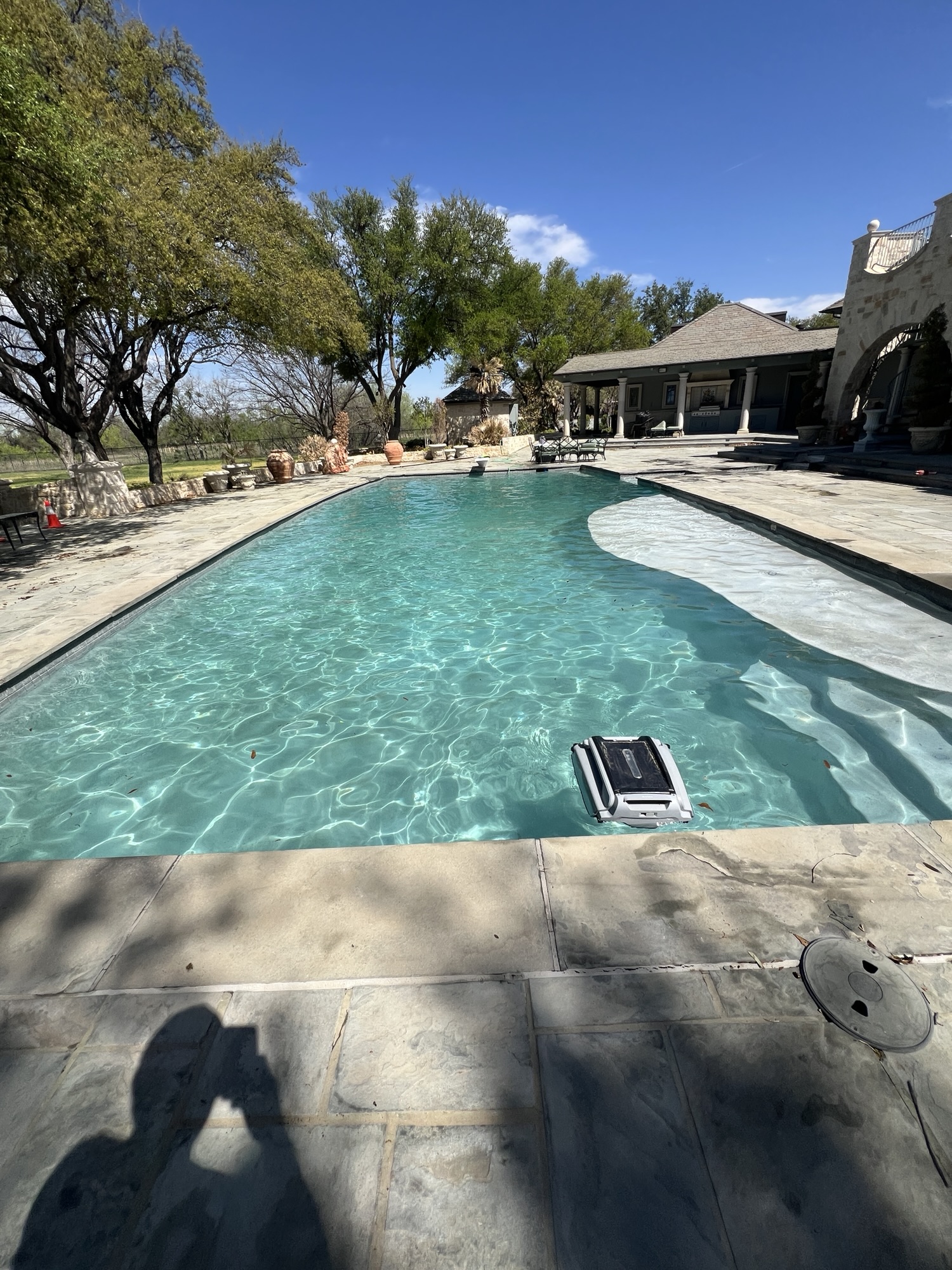
Dolphin Triton, Triton PS and Triton PS Plus are not interchangeable model names. A troubleshooting instruction or spare part for one may not fit another. Start with the product number and power supply before diagnosing a stopped cleaner.
Use the Matching Manual
Maytronics provides separate manuals for the Triton and Triton PS. Match the label on your cleaner to its documentation. Do not invent a factory-reset procedure or app feature because a similarly named model has one.
Useful Checks and Information
- Record whether the fault appears immediately or midway through a cycle.
- Note lights, error messages and the power-supply model.
- Inspect accessible filtration and trapped debris with power disconnected.
- Use the parts diagram to confirm filters, brushes and drive components.
Safe Routine Care and Repair Limits
Follow the exact manual for power connection, removal and cleaning. Switch off and disconnect power before inspecting filters or accessible moving parts. Keep swimmers out while the cleaner operates, do not run a submerged-type robot dry, and do not lift it by its cable.
Stop using the cleaner if a cord is damaged, it smells burned or becomes abnormally hot, or electrical protection trips repeatedly. Do not open sealed electrical housings or repeatedly reset a breaker. A robot does not replace the pool’s water testing, sanitizer and circulation. Confirm repair scope and manufacturer warranty eligibility rather than assuming local service is authorized warranty work.
Local Help and Next Steps
Contact Concho Valley Pool at 469-585-4093 with your location, photos and exact equipment or finish details. Review San Angelo cleaning and maintenance services or robotic cleaner service options. Confirm current availability, assessment needs and pricing before booking.
Tags: polaris vrx, pool cleaning service near me, pool service san angelo tx, robotic pool cleaner, san angelo pool cleaning, triton repair