
Dolphin M400 specifications can differ across versions and markets. The product number is the useful starting point for deciding whether a feature should work and which parts fit. Avoid borrowing a warranty, remote-control or app claim from a different regional listing.
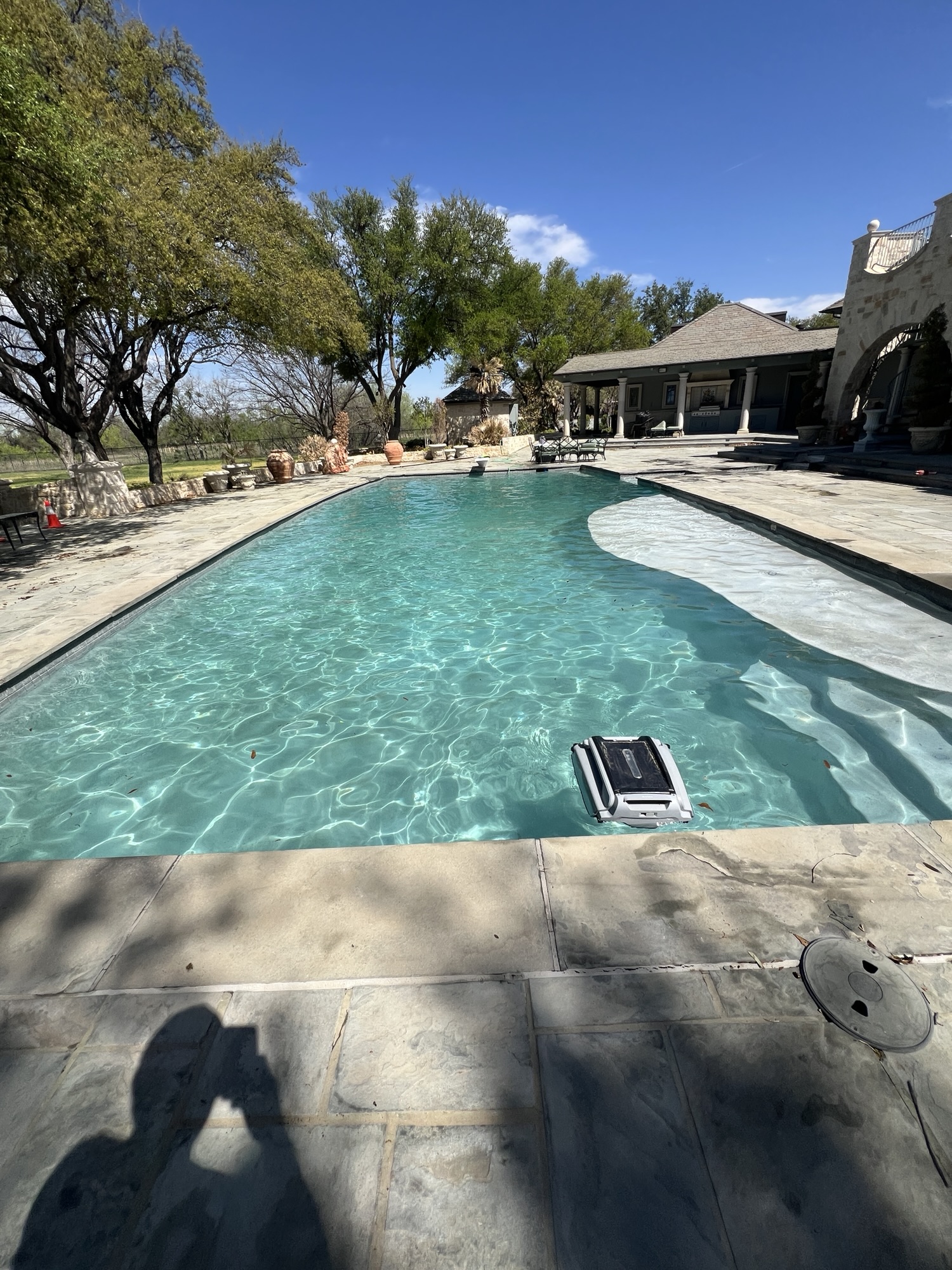
Match the Listing to Your Unit
The Maytronics US listing for 99991053-USI describes floor, wall and waterline coverage and MyDolphin Plus support. That does not establish those same controls for every older M400. Compare your label and power supply with the matching manual before troubleshooting connectivity or scheduling.
Useful Checks and Information
- Clean and correctly seat the compatible filter elements.
- Observe whether reduced pickup or movement happens throughout the pool or only in one area.
- Inspect accessible brushes and tracks for wear or trapped debris.
- Send the exact model and symptom when asking for a repair estimate.
Safe Routine Care and Repair Limits
Follow the exact manual for power connection, removal and cleaning. Switch off and disconnect power before inspecting filters or accessible moving parts. Keep swimmers out while the cleaner operates, do not run a submerged-type robot dry, and do not lift it by its cable.
Stop using the cleaner if a cord is damaged, it smells burned or becomes abnormally hot, or electrical protection trips repeatedly. Do not open sealed electrical housings or repeatedly reset a breaker. A robot does not replace the pool’s water testing, sanitizer and circulation. Confirm repair scope and manufacturer warranty eligibility rather than assuming local service is authorized warranty work.
Local Help and Next Steps
Contact Concho Valley Pool at 469-585-4093 with your location, photos and exact equipment or finish details. Review San Angelo cleaning and maintenance services or robotic cleaner service options. Confirm current availability, assessment needs and pricing before booking.
Tags: dolphin m400, pool cleaning san angelo, pool robots san angelo, pool service, robotic pool cleaner