
Dolphin Premier: choosing filters and checking performance
The Dolphin Premier’s interchangeable filtration is the main feature to understand before troubleshooting it. A pool full of leaves and a pool with fine settled dirt present different cleanup jobs. For San Angelo owners, identifying the debris and the filter actually installed is more useful than immediately assuming the cleaner needs a new motor.
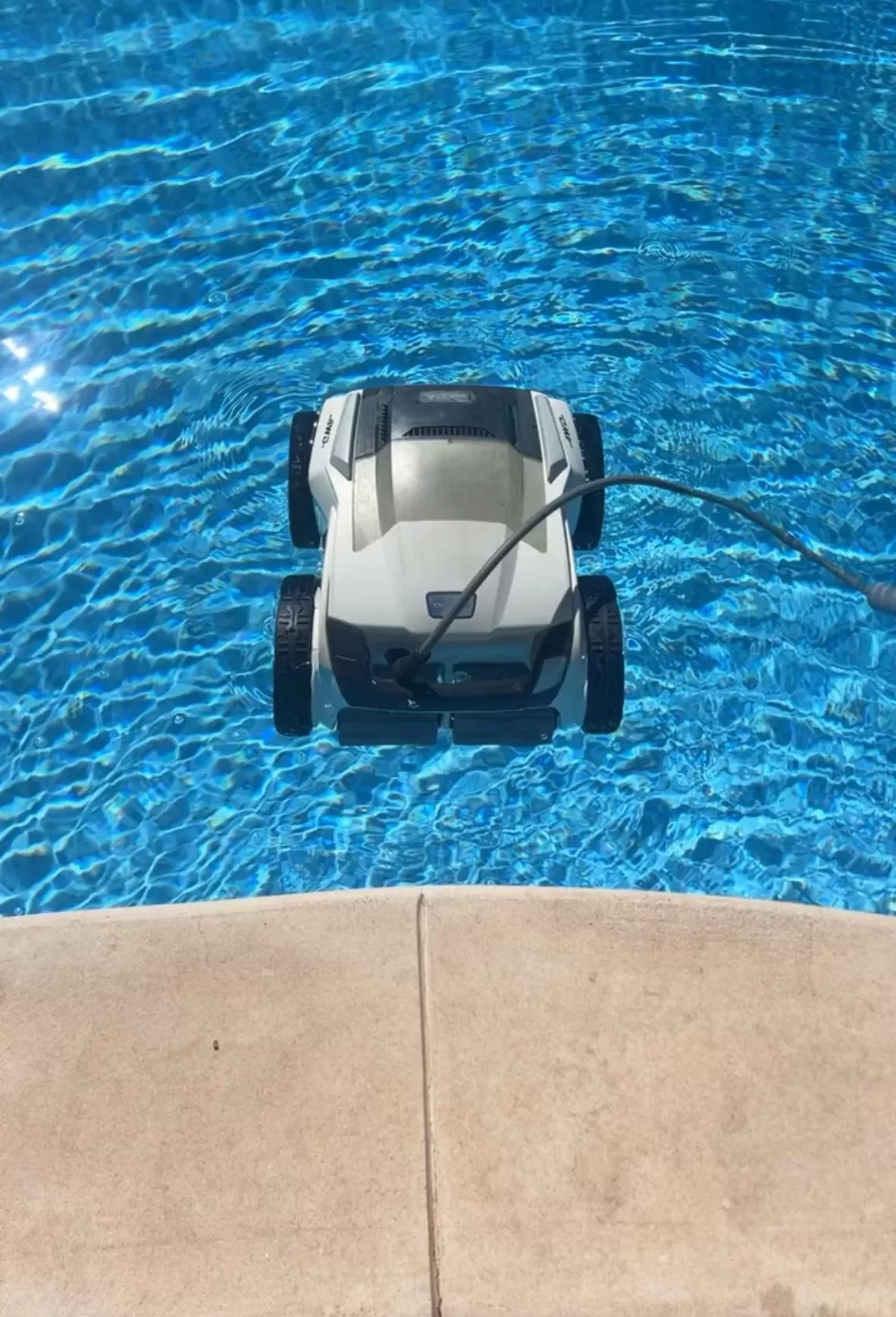
Premier features to check against your unit
Maytronics’ Premier listing specifies an in-ground cleaner for pools up to 50 feet, floor, wall and waterline coverage, and a three-hour default cycle. It uses bottom-access interchangeable bag and cartridge filtration. The listed model also has a weekly timer and full-filter indicator, but no mobile app. Match replacement media and instructions to your exact product number.
Use the right filtration for the job
Maytronics distinguishes fine and ultra-fine filter media: fine mesh handles larger debris, while ultra-fine media catches smaller particles. Starting a heavy cleanup with very fine media can mean more frequent rinsing. Use only a filter configuration approved for your Premier, and verify what was included with your purchase rather than relying on another seller’s bundle description.
Premier filters are removed and cleaned; they are not backwashed through the pool’s plumbing. Follow the filter assembly instructions, check that the bottom lid is secured, and inspect the media for damage. If dirt seems to return after lifting the robot, note whether it escapes during retrieval or remains on the floor throughout the cycle. Those are different observations to give a technician.
A useful troubleshooting record
- Write down the filter type, approximate debris load and whether the indicator changes during the cycle.
- Record whether the cleaner completes its cycle, stops early or repeatedly catches at the same feature.
- Photograph worn brushes, torn media or a loose lid with the power disconnected.
- Note any recent chemical treatment, unusual water appearance or change to cable placement.
Run comparisons only when the equipment appears safe. A cleaner collecting visible debris can still leave corners or steps needing attention; assess the areas actually cleaned rather than judging it from a few minutes of movement.
Keep electrical checks safe
Unplug before maintenance, keep the power supply dry and remove the cleaner before swimmers enter. Do not open or “drain” the power supply. Stop using equipment with electrical damage or an unexpected GFCI trip. Maytronics’ corded-cleaner safety instructions require a GFCI-protected supply and prohibit an extension cord.
For internal faults, request a diagnosis and itemized estimate. Keep the purchase receipt and serial number for manufacturer support; verify warranty eligibility and the repair provider’s authorization before committing.
Pool maintenance in San Angelo
Explore Concho Valley Pool’s San Angelo cleaning services and contact the team at 469-585-4093 for pool-care options. Include your Premier model label and the filter or coverage issue, and ask what equipment assistance is available.
Tags: dolphin premier, dolphin robotic, pool cleaning service near me, pool service san angelo tx, robotic pool cleaner, san angelo pool cleaning